Start here: your first Pal
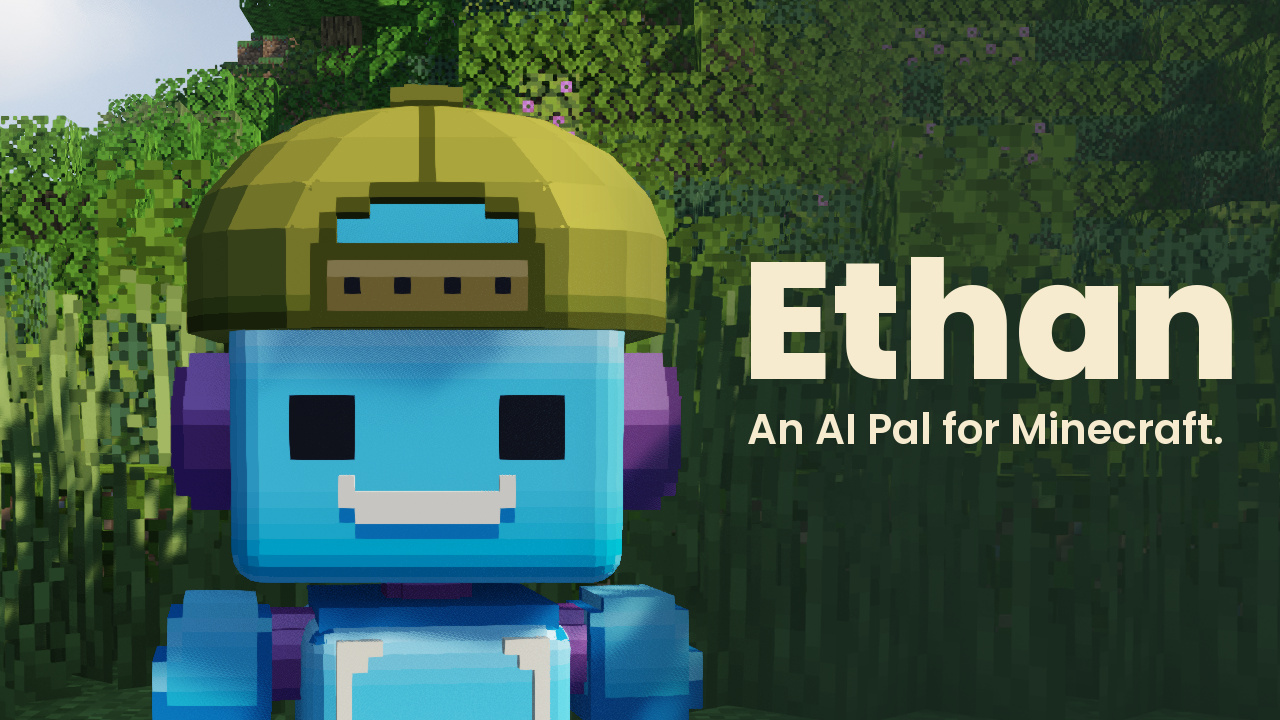 Watch: your first Pal in 77 seconds
- Install and open MinePal (Linux), enter your exact Minecraft username and choose "Singleplayer".
- Sign in. If asked to open MinePal, choose "Open". Open your own Survival world in Minecraft Java Edition.
- 26.3 or newer: Press Esc and open "World Options...". Under "Multiplayer", click "LAN: OFF" so that it reads "LAN: ON". Click "Apply Changes".
- 26.2 or older: Press Esc, then "Open to LAN" and "Start LAN World".
- In "Controls", tick Ethan, press "Start Pal" and enter the port from game chat.
On Bedrock or a phone, play in a Lobby.
- Start here: your first Pal: Bring Ethan into your Java world
- Install on Linux: Install the AppImage and connect sign-in
- Bedrock or phone: play in a Lobby: Join Ethan from Bedrock or Java
- What a Pal can do: Ask in chat or type a command
- Make your own Pal: Choose a name, personality and voice
- Custom skins: Give your Pal a skin or model
- My Pal won't join: Check the world, port and server
- Account and plan: Manage billing or cancel your plan
- Get help: Ask on Discord or email support